Accounting Software Design & Implementation
Flexible accounting systems that organize your financial data and make financial management more efficient, from choosing the right software to setting it up, going live and training your team.
Accounting systems
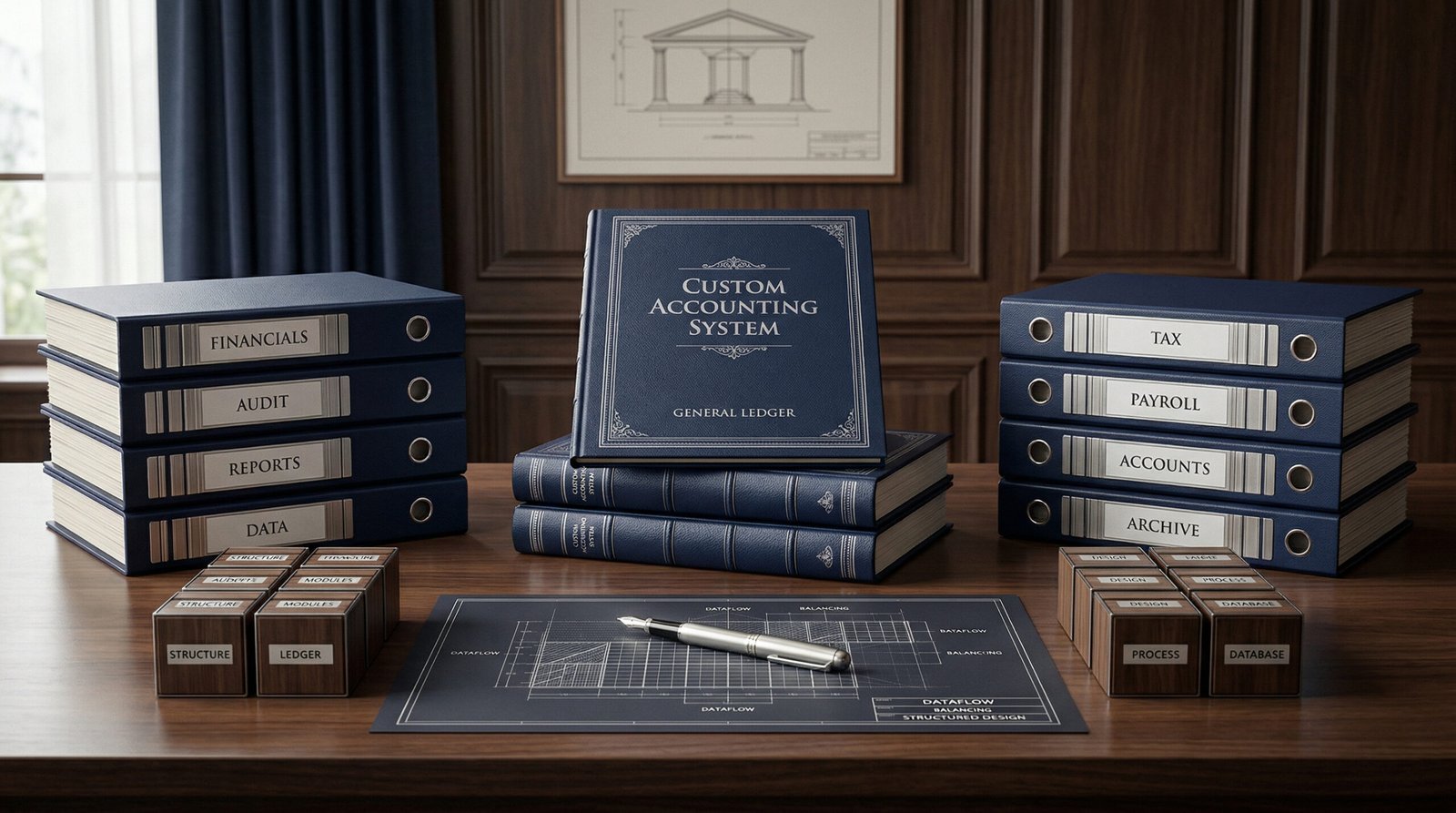
A good accounting system is not just bought off the shelf: it is designed around the way your business works, then configured to give you reliable figures at any time.
In step with the global openness of business, and the familiarity with new technology it demands in the way organizations are run, especially their finance departments, which are central to every organization’s success, we offer a package of accounting services that meets business owners’ needs, including accounting software design and implementation. This is the age of technology and computers in every field. Accounting software does not change the nature of an accountant’s work; it helps the accountant do it to the fullest.
Modern accounting relies on accounting software, so we work with the latest accounting software suited to the size and nature of each organization. We also design a dedicated accounting system for any organization that wants its own, matched to its current scale and flexible enough to absorb future growth and new business activities.
Designing and implementing accounting systems matters because they gather all of an organization’s financial data and organize it into files and a professional accounting structure that its finance and administrative departments can work with. Data recorded in accounting transactions is posted to these systems, which act as an information store, so that useful information can be retrieved from it quickly and accurately. We also make sure the system works with the tools your organization already uses, such as sales, inventory and payroll, so data is not keyed in twice and errors are reduced.
What we deliver
01
Needs analysis
We study your document flow, transaction volume, branches and the reports you need before any decision on software, and define what the new system must do and what it can do without.
02
Choosing the right software
We help you compare the available products against clear criteria: scale, cost, Arabic language support, and multiple currencies and branches.
03
Chart of accounts and cost centers
We build a chart of accounts and cost centers that reflect your activity, branches and projects and serve financial statements, management reports and tax reporting alike, with no need for side spreadsheets.
04
Document flow and user rights
We define the sales, purchasing, inventory and payment steps and separate the rights to enter, approve and review, so no single person controls a whole transaction.
05
Balance and data migration
We migrate opening balances and customer, supplier and item data, reconcile them to the last approved trial balance and keep a copy of the old system’s data for reference.
06
Report set-up
We set up ready-made reports: trial balance, financial statements, debt aging, product and branch profitability, and a short dashboard for management.
07
Controls and security
We configure the system so posted entries cannot be changed and every action and its user are logged, with regular backups.
08
Training and post-go-live support
We train your team in day-to-day use and stay with you during the first months until work on the system has settled, including the first month-end close on it.
How we work
01
Assess
We review your current system, its problems and how your team uses it, and identify the reports and controls you need.
02
Design
We prepare a design document covering the chart of accounts, document flow, user rights and reports, and agree it with you.
03
Configure and migrate
We configure the software and migrate the data, then test it on real transactions from your business and fix any issues found.
04
Parallel run
We run the new system alongside the old one for a short period and compare results and balances before relying on it fully and switching the old one off.
05
Train and hand over
We train each user for their role, hand over the user guide and the system documentation the tax regulations call for, and stay on hand for support.
Accounting software and General Tax Authority requirements
The Executive Regulations of Qatar’s Income Tax Law allow accounting books and records to be kept on a computer system on certain conditions: the system must be secure enough to prevent tampering with inputs or outputs; the original documents supporting the entries and the documentation of the system’s design, features and use must be kept; listings of entries and accounts must be extracted from the system every three months; and the system must let the Authority view documents and records at any time and within Qatar. The auditor must also confirm in the audit report that the system meets accepted security and accuracy standards, in particular that entries cannot be changed once confirmed and that report dates cannot be manipulated.
That is why we do not stop at installing software: we configure and document it so your electronic books are acceptable to your auditor and the Authority and are kept for the ten years the Regulations require. We hand you a system documentation file covering its settings, user rights and use, ready for when the auditor or the Authority asks for it. Before choosing any software, we advise checking that it offers:
- Arabic and English in screens and reports
- Period locking and protection of posted entries
- An audit trail recording every change and who made it
- The ability to export all data and reports at any time
- Multi-currency and multi-branch support if your business needs it

FAQs about accounting software in Qatar
Does the General Tax Authority accept electronic books?
Yes. The Executive Regulations of the Income Tax Law allow books and records to be kept on a computer system if it is secure enough to prevent tampering, the original supporting documents and the system’s design documentation are kept, listings of entries and accounts are extracted every three months, the Authority can access the records at any time within Qatar, and the auditor confirms in the audit report that the system meets accepted security and accuracy standards.
Which is better: off-the-shelf software or a custom system?
For most small and mid-sized organizations, off-the-shelf software that is configured well for their activity is enough. A custom design makes sense when the processes or reports you need are not supported by ready-made products. We recommend the best option after studying your needs, transaction volume and budget.
Can the cost of accounting software be depreciated for tax purposes?
For taxpayers subject to income tax, the Executive Regulations of the Income Tax Law set a maximum annual depreciation rate of 33.33% for computer hardware, software and accessories, provided the conditions for deducting depreciation are met. We review the right treatment for your case with you.
Can the accounting system be hosted in the cloud?
Yes, bearing in mind that the Executive Regulations of the Income Tax Law require the system to let the General Tax Authority view all documents and records at any time and within Qatar. Before you choose, we review the provider’s terms, access rights, backups and your ability to export all your data.
Will you migrate our data from the old software?
Yes. We migrate opening balances, customer, supplier, item and fixed asset data, and whatever transaction history is needed, then reconcile the result to the last approved trial balance from the old system before work starts on the new one.
Need advice on accounting software design and implementation?
Our team is here to help. Contact us now to discuss your company’s needs and receive a tailored proposal.